

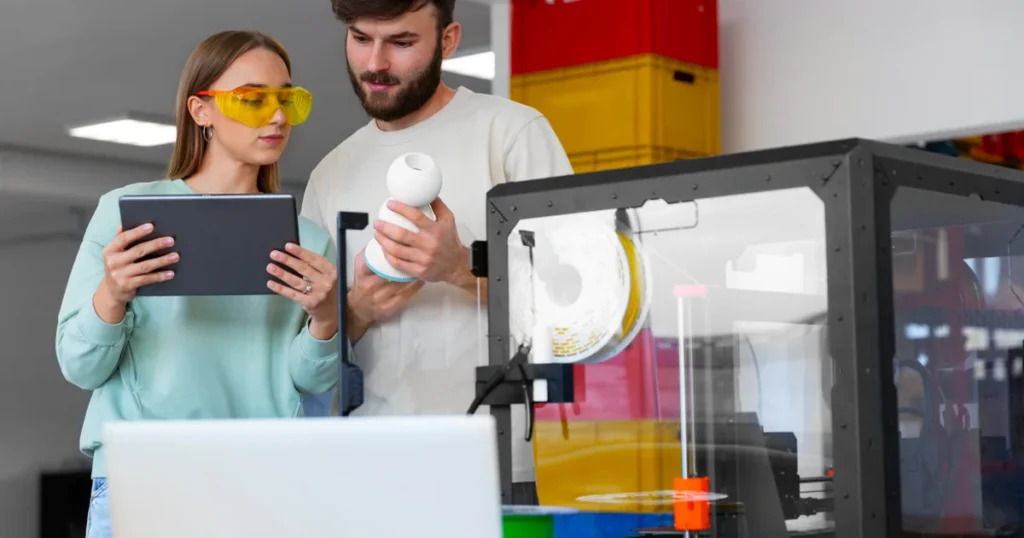
Discover the 10 best 3D printers for schools in 2026 at LAVA3dp. This classroom-tested guide evaluates safety, reliability, and costs to help you select the ideal 3D printer for schools. Read our hands-on analysis to find the perfect fit for your STEM lab today.
Why Schools Are Investing in 3D Printing Technology
Classrooms look different in 2026. Rote memorization has given way to tactile, experiential learning environments. Buying 3d printer for schools is no longer an experimental luxury for wealthy districts; it is a fundamental tool for practical problem-solving. By turning digital code into physical objects, these machines bridge the gap between abstract concepts and real-world execution.
Benefits of 3D Printing in Education
Integrating a classroom 3d printer transforms passive consumers of information into active creators. When students design a component and print it, they instantly see the real-world consequences of their design choices. This immediate feedback loop builds resilience. If a bracket snaps or an axle fits too tightly, students iterate and try again. This process shifts failure from an academic penalty to a standard step in the engineering workflow.
How 3D Printing Supports STEM and STEAM Learning
Real-World Skills Students Learn Through 3D Printing
Educational 3d printing for students bridges the gap between classroom theory and modern technical careers. Students do not just learn how to operate a specific machine; they learn CAD learning for schools platforms like Tinkercad, Fusion 360, or Onshape. They master spatial reasoning, mechanical design principles, and material science fundamentals.
Furthermore, managing a print queue encourages collaborative student innovation projects. These experiences mimic modern industrial workflows, providing excellent training for future engineers, architects, and industrial designers.
Related: 10 Best Resin 3D Printers in 2026: Tested Picks for Every Budget
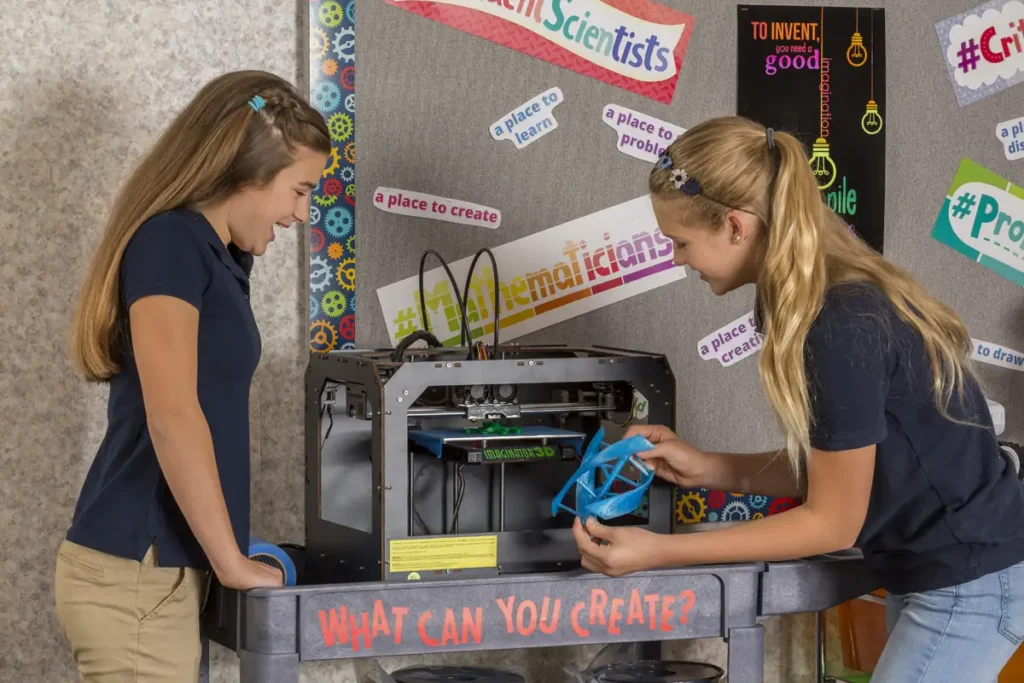
Quick Comparison: Best 3D Printers for Schools
| Brand & Model | Build Volume (mm) | Enclosure Type | Air Filtration | Connectivity | Best For |
|---|---|---|---|---|---|
| Bambu Lab X1E | 256 x 256 x 256 | Fully Enclosed | HEPA + Carbon | Wi-Fi, Ethernet | Advanced STEM / High Schools |
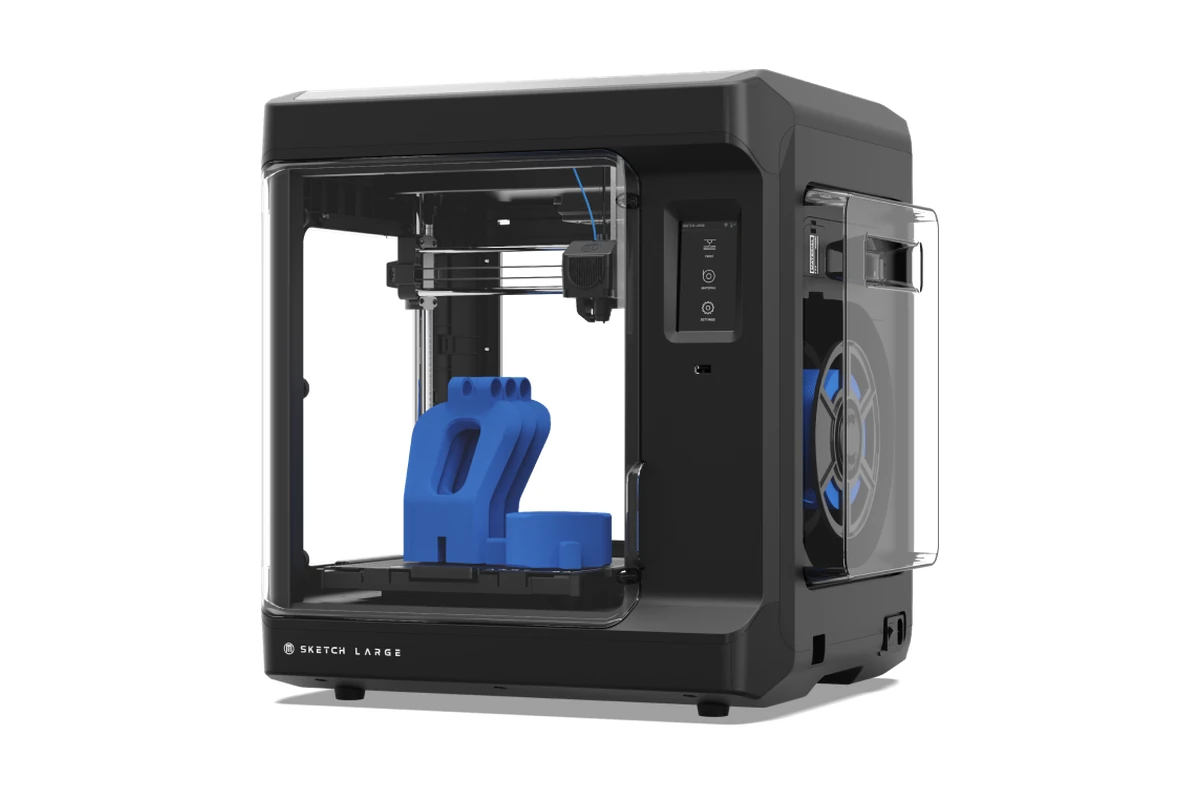
| MakerBot Sketch Large | 220 x 200 x 250 | Fully Enclosed | Particulate Filter | USB, Ethernet, Wi-Fi | Seamless Classroom Integration |
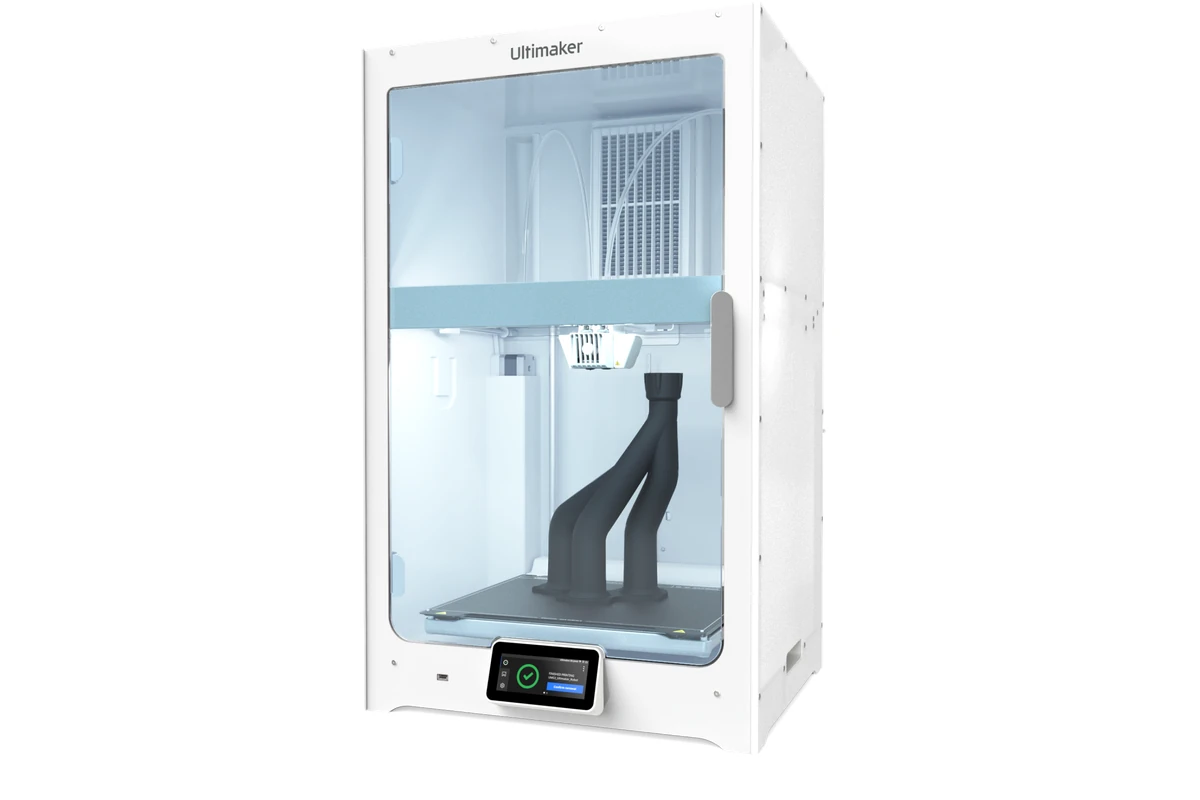
| Ultimaker S7 | 330 x 240 x 300 | Fully Enclosed | Integrated Air Manager | Ethernet, Wi-Fi, USB | Professional Engineering Labs |
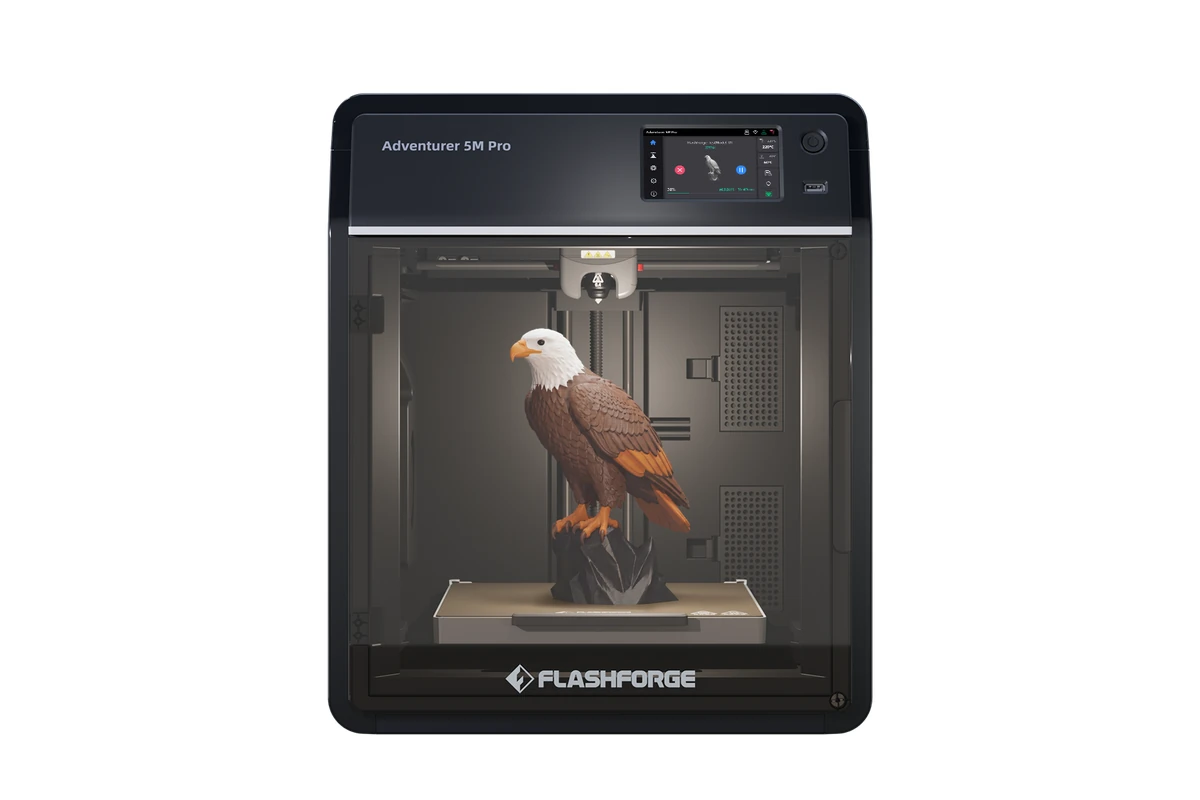
| FlashForge Adventure 5M Pro | 220 x 220 x 220 | Fully Enclosed | HEPA + Carbon | Wi-Fi, Ethernet, USB | Budget-Conscious Classrooms |
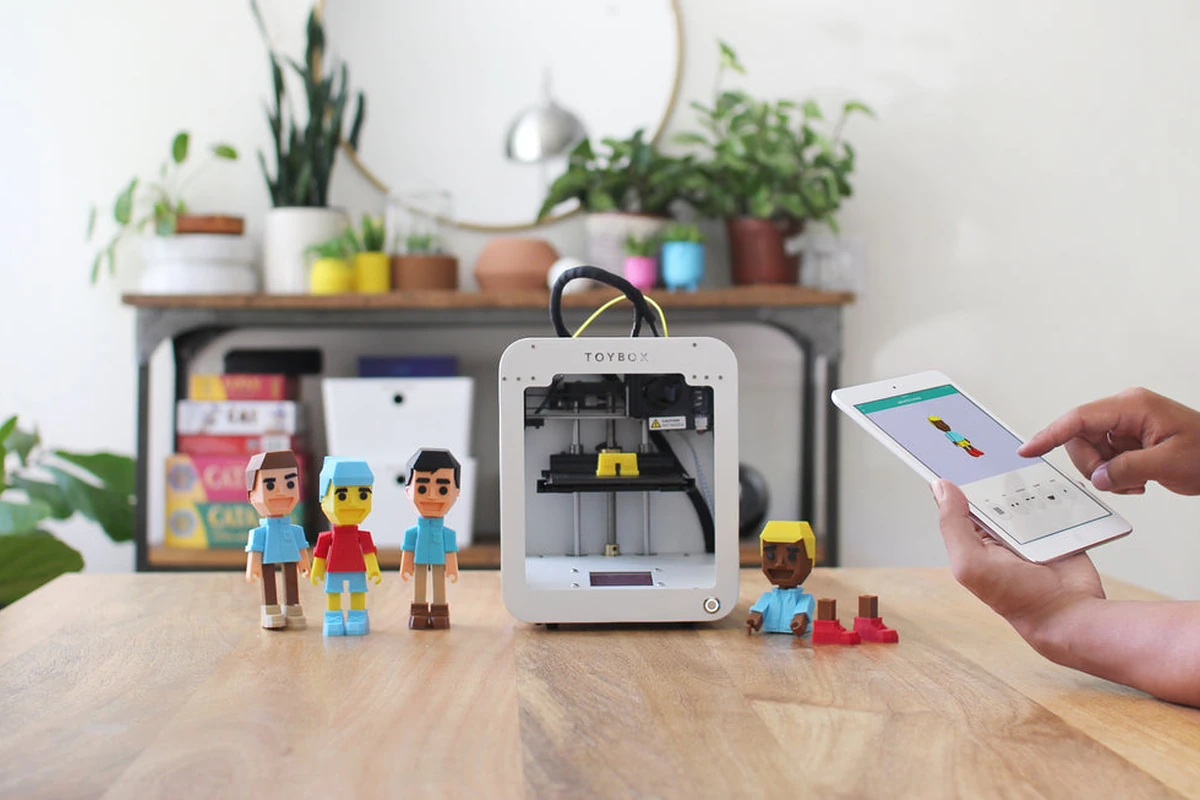
| Toybox 3D Printer | 90 x 80 x 100 | Open | None | Wi-Fi | Elementary School Classrooms |
| Prusa MK4 (with Enclosure) | 250 x 210 x 220 | Optional Enclosure | Optional HEPA | Wi-Fi, Ethernet | Low-Maintenance Reliability |
| Creality K1C | 220 x 220 x 250 | Fully Enclosed | Active Carbon | Wi-Fi, USB | High-Speed Engineering Projects |
| Dremel DigiLab 3D45 | 255 x 155 x 170 | Fully Enclosed | Particulate Filter | Wi-Fi, Ethernet | Dedicated Science Classrooms |
| Qidi Tech X-Plus 3 | 280 x 280 x 270 | Fully Enclosed | / | Wi-Fi | High-Performance Materials |
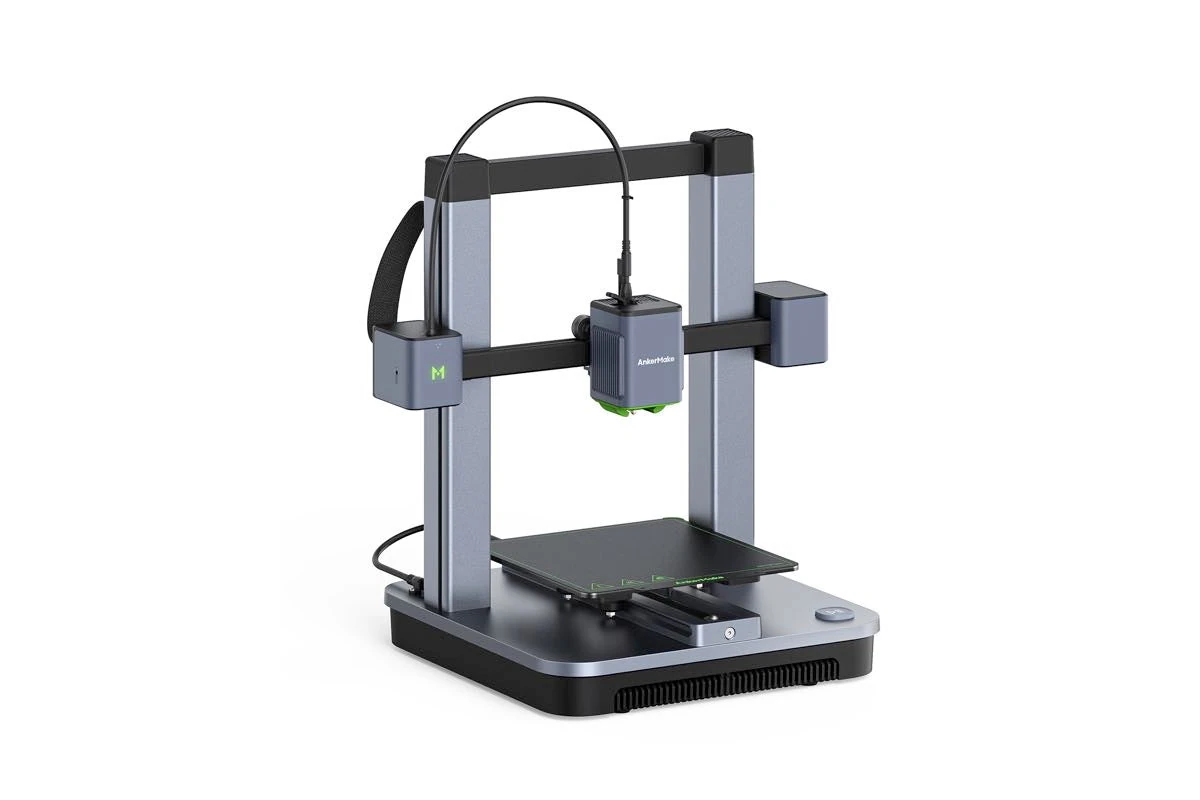
| AnkerMake M5C (with Cover) | 220 x 220 x 250 | Optional Cover | None | Wi-Fi, Bluetooth, USB | Quick Prototyping on a Budget |
Best Printer by School Type
Different age groups have distinct operational needs. Elementary programs require extreme simplicity and safety, whereas universities demand material flexibility and high precision.
- Elementary School: Toybox 3D Printer (safest, ultra-simple interface)
- Middle School: FlashForge Adventurer 5M Pro (enclosed, automated, excellent price-to-performance)
- High School: Bambu Lab X1E or MakerBot Sketch Large (high-speed network management, curriculum integration)
- Colleges/Universities: Ultimaker S7 (industrial reliability, multi-material capabilities)
- School Makerspaces: Prusa MK4 with Original Enclosure (workhorse durability, community support)
Related: Best Budget 3D Printers in 2026: Affordable Options for Every Maker
How We Selected and Tested These Classroom 3D Printers
Our evaluation process bypasses manufacturer marketing claims to look at how these machines perform in actual educational environments. A machine that works perfectly in a private workshop can easily fail when handled by thirty middle school students daily.
Safety Standards We Considered
Safety is our absolute priority. We tested each safest 3d printer for classrooms for ultra-fine particle (UFP) emissions and volatile organic compound (VOC) mitigation. Printers with fully sealed chambers and multi-stage HEPA/activated carbon filtration scored highest. We also verified physical safety features, such as automatic pause switches when doors open and covered thermal elements to prevent accidental burns.
Ease of Use for Teachers and Students
Teachers do not have time to troubleshoot bed leveling or clear frequent nozzle jams between class periods. We looked for an easy to use 3d printer for schools that features reliable automatic bed leveling, one-click filament loading, and clear on-screen error prompts. Slicing software must be intuitive enough for beginners while retaining advanced configurations for older students.
Reliability and Maintenance Requirements
A broken printer sitting in a corner helps no one. We prioritized finding a low maintenance 3d printer for schools that can withstand continuous operation. Our selections emphasize robust frame construction, linear rails or high-quality rods, and modular tool heads that permit quick part swaps without rebuilding the entire extruder assembly.
Total Cost of Ownership
The initial 3d printer for schools price tells only part of the story. We evaluated the 3d printer for schools cost across a three-year lifespan. This calculation factors in proprietary vs. open-source filament options, the price of replacement build plates, and nozzle longevity. A cheap printer that requires expensive proprietary filament or frequent component replacement quickly becomes a financial burden.
What to Look for in a 3D Printer for Schools
Before browsing specific models, administrators must understand the technical specifications that separate an industrial hobbyist machine from an optimized classroom tool.
Safety Features
Classroom safety cannot be compromised. Look for these specific design elements to protect your students and minimize school liability.
Enclosed Build Chambers
An enclosed chamber serves two critical purposes: it keeps curious hands away from 200°C nozzles and stabilizes the printing environment by blocking cool room drafts. This physical barrier prevents accidental burns during operation and dramatically reduces print warping.
Air Filtration Systems
Melting plastics emit microscopic particulates. Look for the best enclosed 3d printer for schools equipped with built-in HEPA filtration to capture fine dust particles alongside activated carbon filters to absorb chemical odors. If a printer lacks integrated filtration, plan to budget for an external ventilation enclosure.
Auto Shutoff and Monitoring
Thermal runaway protection is a mandatory firmware feature that cuts power if a temperature sensor malfunctions. Advanced models also feature AI-driven camera monitoring to detect print failures, automatically pausing the machine if a model detaches from the build plate.
Classroom-Friendly Features
An efficient educational workflow requires modern features that simplify mass deployment and multi-user access.
Automatic Bed Leveling
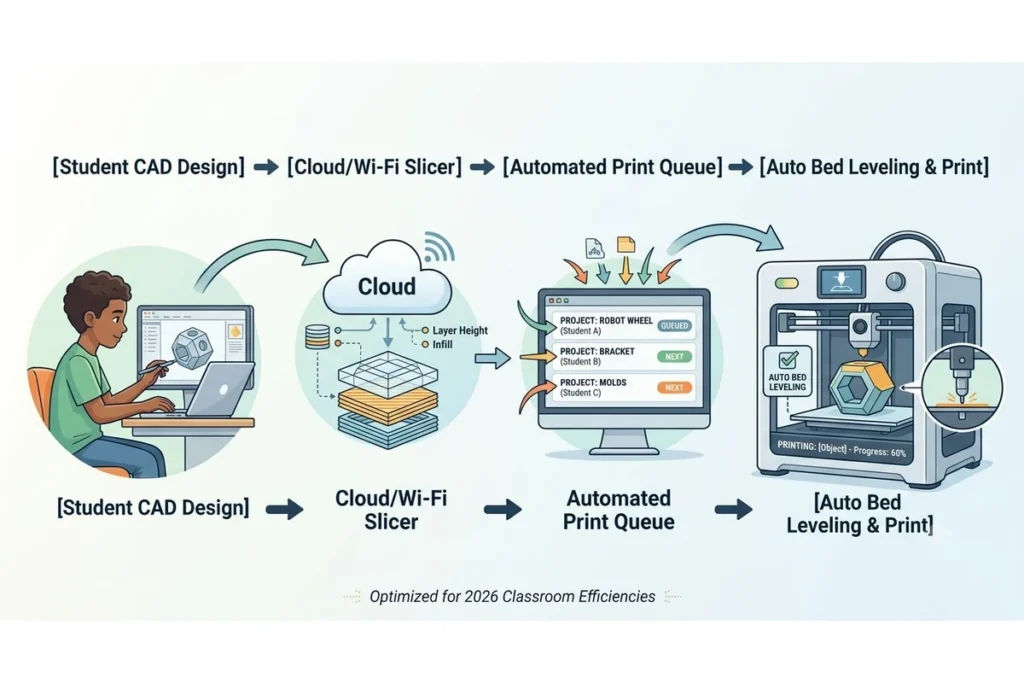
Manual four-point bed leveling using a piece of paper is tedious and prone to human error. Modern classroom printers utilize strain gauges or inductive probes to map the print bed automatically before every job, guaranteeing proper first-layer adhesion without teacher intervention.
Remote Monitoring
Integrated internal cameras allow teachers to monitor print progress from across the hallway or from a central desktop dashboard. This saves time and allows educators to spot errors before material is wasted.
Wi-Fi Connectivity
Avoid setups that require transferring SD cards or USB drives back and forth between student laptops and the printer. A modern networked 3d printer for classrooms connects directly to the school’s network, allowing seamless wireless file transfers.
Multi-Student Accessibility
Managing print queues for large groups requires robust management software. Top-tier educational systems utilize cloud platforms where multiple students can submit files to a centralized queue, allowing teachers to review, approve, and send jobs to available printers from a single interface.
Operating Costs
Securing funding for the initial purchase is only the first step. Long-term programmatic success depends on managing ongoing operational expenses.
Filament Expenses
Printers that accept universal, third-party 1.75mm filament spools offer the lowest running costs. Proprietary cartridge systems provide a highly reliable user experience but cost up to three times more per kilogram of material, which can strain annual department budgets.
Replacement Parts
Nozzles wear down, and flexible build surfaces eventually scratch or lose adhesion. Verify that replacement consumables are inexpensive and readily available. Choosing brands with modular, quick-swap hotends simplifies maintenance and minimizes classroom downtime.
Maintenance Requirements
Opt for machines with self-lubricating bearings, rigid metal frames, and mature firmware. Printers with active global user communities and clear documentation make it easier for IT staff or teachers to handle basic adjustments without paying for commercial service contracts.
Related: 10 Best Large Format 3D Printers: Features, Costs, and Top-Rated Machines in 2026
The 10 Best 3D Printers for Schools in 2026
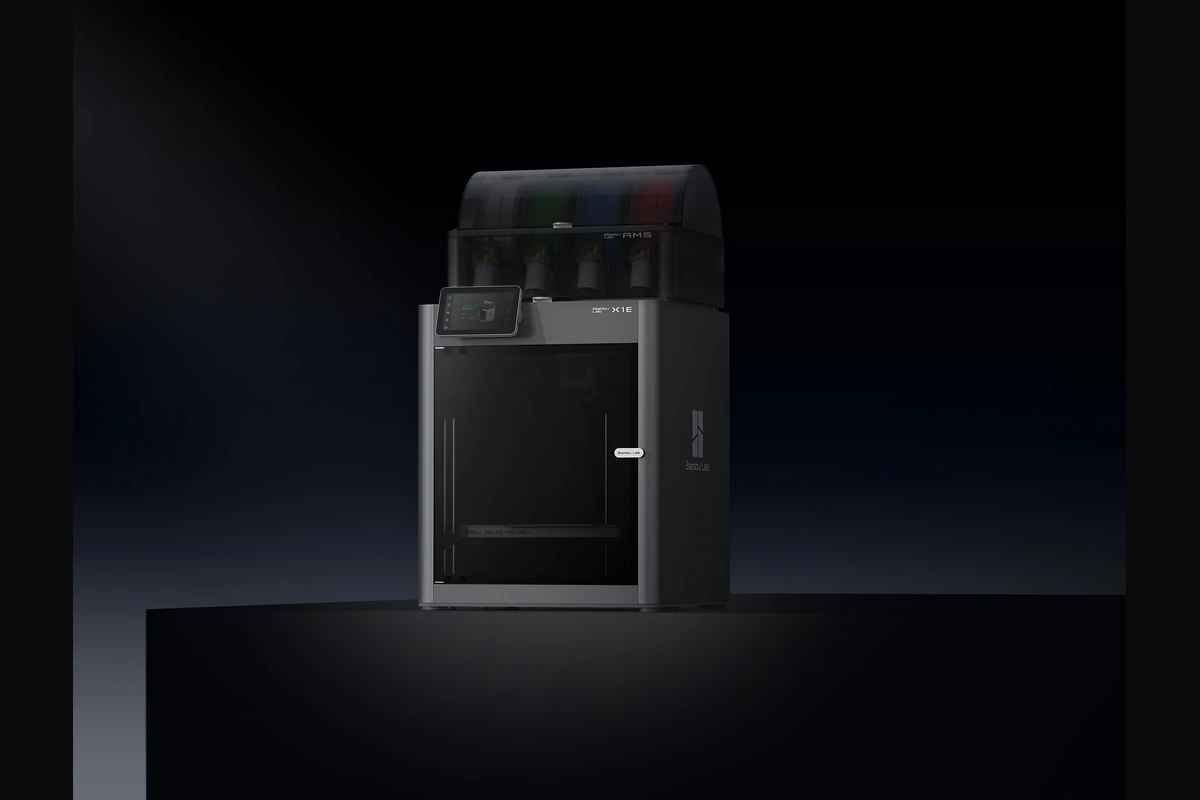
Bambu Lab X1E
Pros
Heavy-duty HEPA and active carbon filtration system.
Wired Ethernet and secure WPA2 Enterprise Wi-Fi connectivity.
Cons
Advanced settings can overwhelm absolute beginners.
MakerBot Sketch Large
Pros
Excellent cloud-based student queue management software.
Fully enclosed with integrated particulate filtration.
Cons
Optimized primarily for PLA-based materials.
Ultimaker S7
Pros
Integrated Air Manager controls internal temperature and filters air.
Ultra-reliable inductive bed sensor eliminates first-layer issues.
Cons
Large physical footprint requires dedicated table space.
FlashForge Adventurer 5M Pro
Pros
Dual-filtration system (HEPA + Activated Carbon) with an enclosed chassis.
Quick-disassemble nozzle requires no tools for swapping.
Cons
Internal camera quality is basic.
Toybox 3D Printer
Pros
No bed leveling required; works straight out of the box.
Affordable option for individual elementary classrooms.
Cons
Very small build volume prevents printing large projects.
Prusa MK4 (with Original Enclosure)
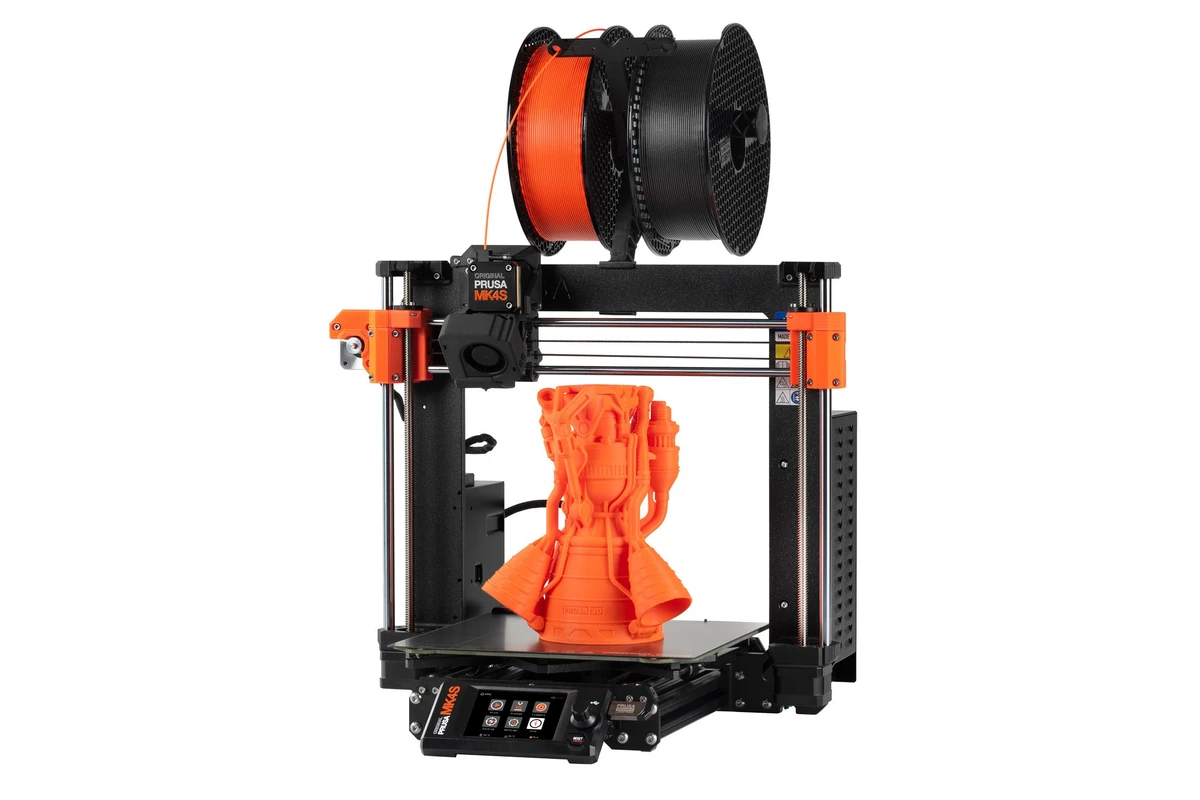
Pros
Highly modular construction simplifies maintenance and upgrades.
PrusaSlicer is an exceptional, ad-free educational software tool.
Cons
Lacks a touchscreen interface out of the box (uses a physical control dial).
Creality K1C
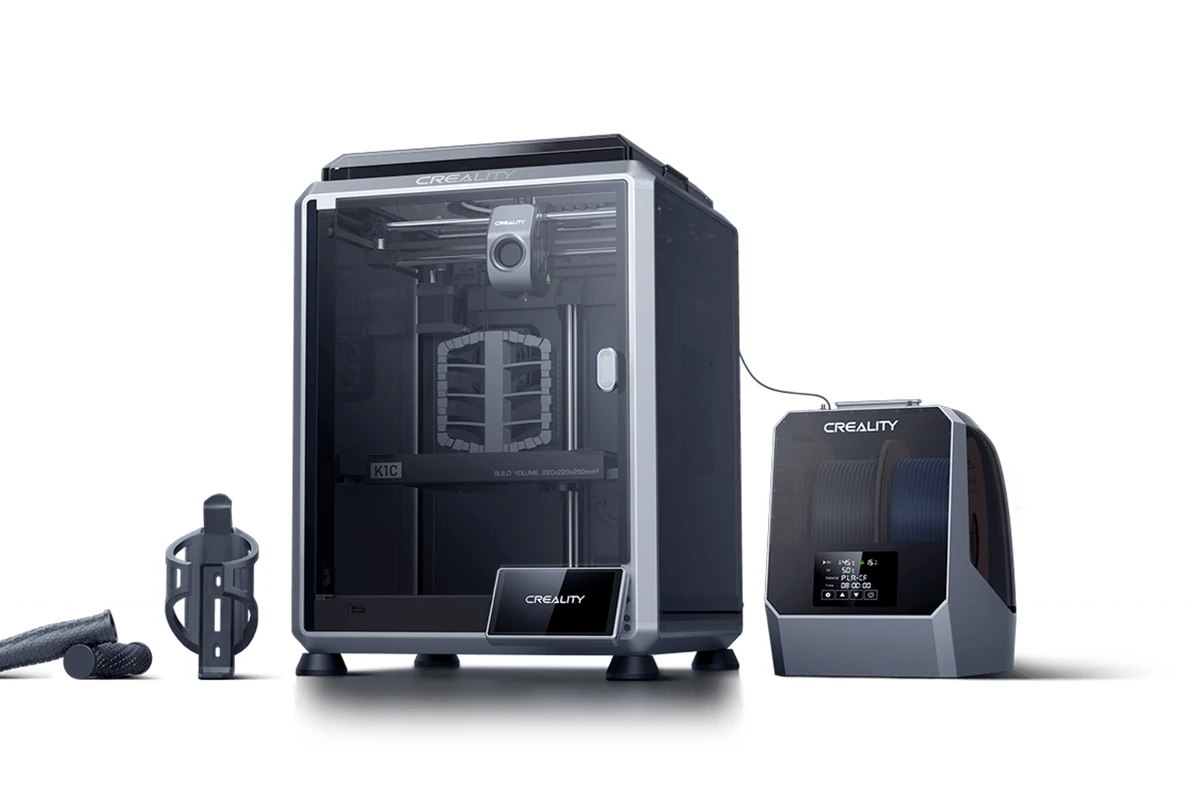
Pros
AI camera monitors for print failures and spaghetti generation.
Excellent performance-to-cost ratio.
Cons
The slicing software requires a bit of fine-tuning for beginners.
Dremel DigiLab 3D45
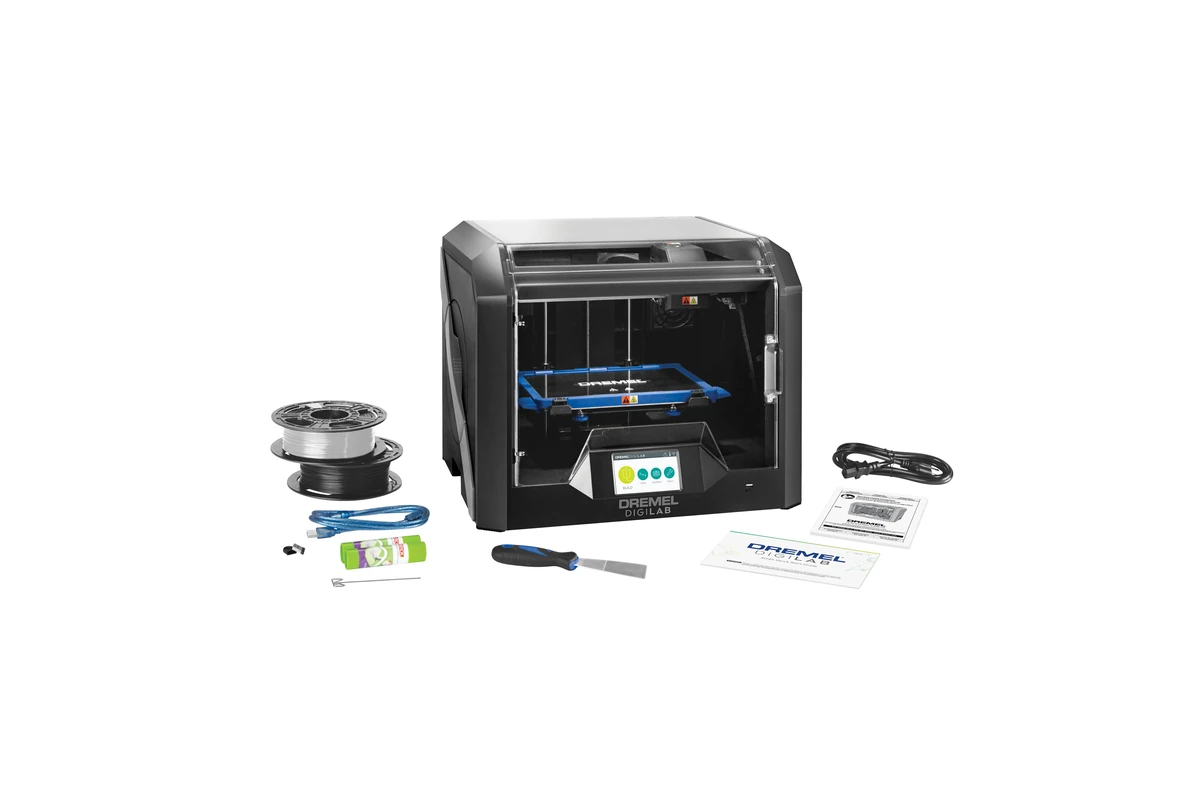
Pros
Extremely rugged, fully enclosed impact-resistant plastic frame.
UL Safety Certification gives peace of mind to school boards.
Cons
The build volume is relatively narrow.
Qidi Tech X-Plus 3
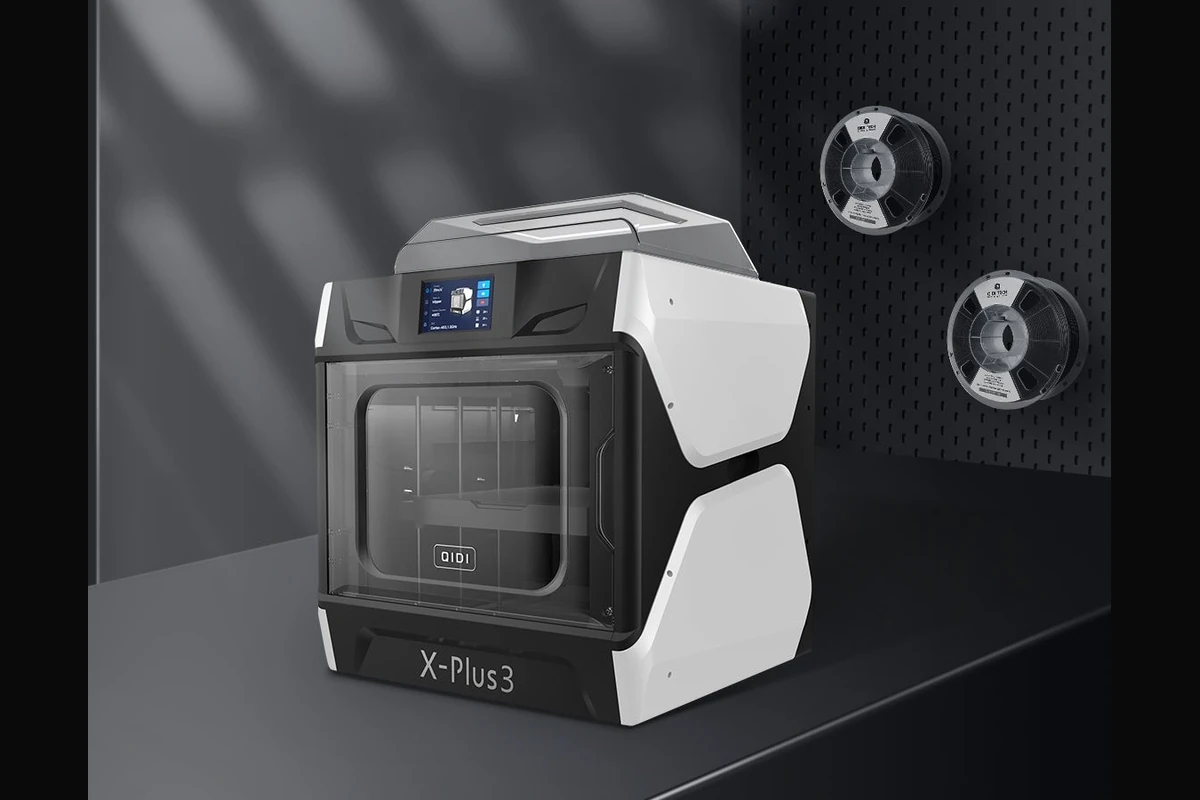
Pros
Generous build volume for larger student projects.
Includes two distinct hotends (copper alloy and hardened steel).
Cons
The user interface is functional but lacks artistic Polish.
AnkerMake M5C (with Official Cover)
Pros
All-aluminum die-cast structure reduces vibrations.
Simple one-button customizable printing control.
Cons
Lacks an integrated touchscreen display on the base unit.
Best 3D Printers by Educational Level
Selecting the right machine depends heavily on the maturity level and technical needs of your students.
Best for Elementary Schools
At this level, prioritize a beginner friendly 3d printer for students with zero setup friction. The Toybox 3D Printer provides an excellent introduction because it limits mechanical complexity and utilizes safe, non-toxic PLA materials. Its app-based interface matches the tablet-centric learning style of younger children.
Best for Middle Schools
Middle school projects require a balance of safety and expanding mechanical freedom. The FlashForge Adventurer 5M Pro stands out here. Its fully enclosed structure protects curious fingers, while its high speed fits neatly into short class periods, ensuring multiple students can complete prints during a single week.
Best for High Schools
High school students require exposure to professional workflows. The Bambu Lab X1E and MakerBot Sketch Large are optimal choices. They support complex multi-part assemblies, feature high-grade air filtration, and utilize cloud queues that mirror real-world agile engineering environments. They also handle advanced 3d printer for robotics projects involving sturdy composite materials.
Best for Colleges and Universities
Higher education demands high dimensional accuracy and material flexibility. The Ultimaker S7 excels in university labs, providing dual-extrusion capabilities for complex architecture models or mechanical engineering prototypes. It allows students to use advanced industrial filaments like Nylon, Co-polymers, and soluble support matrices.
Best for School Makerspaces
A communal school makerspace 3d printer needs to be durable and easily repairable. The Prusa MK4 (with Enclosure) is the premier choice for this setup. Its open-design community means parts are easily sourced, and its rock-solid reliability handles the constant abuse of a busy, multi-disciplinary school workshop.
Related: 10 Best Beginner 3D Printers in 2026 (Easy Setup + Hands-On Tested)
Recommended Filaments for School Use
Why PLA Is the Best Choice for Most Classrooms
PETG vs PLA for Educational Projects
Filament Safety Considerations
Common School 3D Printing Projects
A 3D printer is only useful if it is actively integrated into your lesson plans. Here are proven ways schools utilize this technology.
Engineering and Robotics Projects
Students design custom gear trains, chassis brackets, and sensor mounts for competition platforms like FIRST Robotics or VEX. This teaches crucial lessons about physical tolerances, structural fatigue, and mechanical advantages.
Science and Mathematics Models
Instead of looking at a flat textbook diagram, students can hold a structurally accurate model of a plant cell, a DNA double helix, or a cross-section of a tectonic fault line. In math classes, printing geometric solids helps students visually comprehend surface area and volume equations.
Art and Design Applications
Combining digital sculpting with traditional art allows students to create complex architectural models, custom jewelry prototypes, and intricate sculptures. This introduces artists to digital fabrication tools, expanding their future career options.
Geography and History Learning Aids
Teachers can print accurate 3D topographic maps of specific mountain ranges or historical battlefields. Students can also replicate historical artifacts, such as ancient Roman coins or Egyptian sarcophagus lids, sourced from open-source museum archives.
Classroom Safety Guidelines for 3D Printing
Implementing proper protocols ensures a healthy, injury-free learning environment for everyone.
Ventilation Requirements
Even when using a safest 3d printer for classrooms, proper airflow is essential.
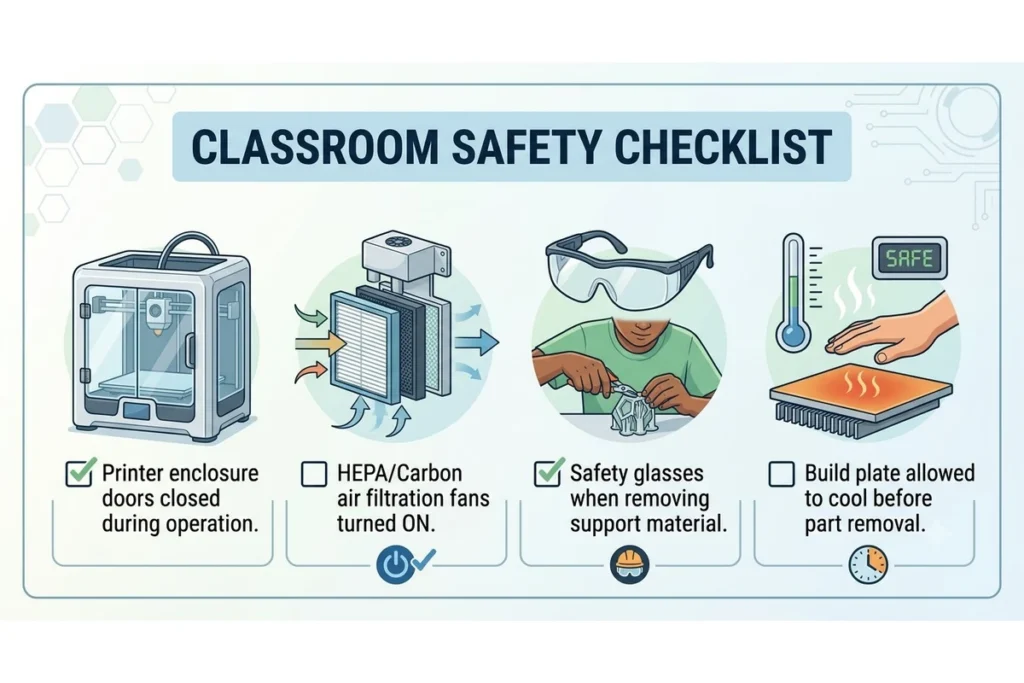
- Position printing stations away from stagnant corners; place them near active HVAC return vents.
- Ensure built-in printer filtration systems are running during operation.
- Maintain a routine schedule for replacing HEPA and carbon filters according to manufacturer guidelines.
- If running a dedicated lab with more than five machines, invest in a dedicated overhead ventilation extraction system.
Student Supervision Best Practices
Establish clear boundaries regarding who can operate the hardware. Younger students should never load filament or clear print beds without direct teacher assistance. Older students should complete a basic safety certification course covering hotend safety, sharp tool handling (for support removal), and electrical hazards before being granted independent access.
Safe Printer Operation Rules
- Never reach into an active printer: Wait until the tool head completely stops and moves to its home position.
- Let it cool: Wait at least five minutes after a print finishes before removing the build plate to prevent thermal skin burns.
- Wear eye protection: When using pliers or scrapers to remove print supports, flying plastic fragments can present an eye hazard.
- Use approved tools only: Never use sharp pocketknives to pry prints off a bed; stick to flexible spring-steel plates or safety spatulas.
Related: Best 3D Printer for Kids in 2026: Safe, Easy & Fun Picks for Beginners
Cost of Running a School 3D Printer Program
Budgeting accurately for a multi-year program prevents your equipment from sitting idle due to a lack of supplies.
Initial Equipment Costs
An affordable 3d printer for schools setup starts around $400 to $1,000 per machine for basic units. Industrial or highly managed platforms range from $3,000 to $8,000 per workstation. Remember to allocate roughly 15% of your initial equipment budget for essential accessories, including safety enclosures, spare build plates, and toolsets.
Annual Material Costs
On average, a standard school spool of high-quality PLA filament costs between $20 and $35 per kilogram. A typical classroom running two printers consistently throughout the school year will consume roughly 15 to 20 kilograms of material annually, translating to an ongoing material budget of approximately $400 to $600 per year.
Maintenance Budget Planning
Set aside roughly 10% of the hardware’s original cost each year for consumable replacement components. You will inevitably need to replace brass nozzles, silicone hotend socks, scratched flexible build plates, and internal air filters. Keeping these spare items in stock avoids unexpected project delays.
Final Verdict
Best Overall 3D Printer for Schools
The Bambu Lab X1E stands out as the premier choice for modern schools. Its exceptional speed, robust enclosure, advanced network security, and reliable air filtration make it an unmatched asset for active STEM programs.
Best Budget Pick
The FlashForge Adventurer 5M Pro is our top choice for cost-conscious districts. It offers high-speed CoreXY printing, complete enclosure safety, and HEPA filtration at a fraction of the cost of industrial platforms.
Best for STEM Programs
The MakerBot Sketch Large wins for curriculum integration. Its cloud-based multi-user student queue management and included teacher training certifications make it an excellent choice for structured school environments.
Best for Large Educational Institutions
The Ultimaker S7 is the ideal solution for large university labs and dedicated technical high schools requiring dual-extrusion capabilities, material flexibility, and continuous long-term reliability.
Frequently Asked Questions
The Bambu Lab X1E is the best overall choice due to its high speed, robust enclosure, and advanced air filtration. For schools on a tighter budget, the FlashForge Adventurer 5M Pro provides similar enclosed safety and high-speed performance at a more accessible price point.
Schools utilize 3D printers for hands-on projects across various subjects. Students print custom robotic parts, biological molecular models, geometric math puzzles, architectural designs, and historical artifact replicas. This helps turn abstract concepts into tangible objects.
Yes, provided they feature appropriate safety designs. A classroom machine should ideally be fully enclosed to block contact with hot components and include a built-in HEPA and activated carbon filtration system to catch ultra-fine particulates and odors.
Students as young as 7 or 8 (elementary school) can start using simplified systems like the Toybox. At this level, students select models via simplified tablet apps while teachers handle the physical machine. By age 12 (middle school), students can begin learning basic CAD design and operating enclosed printers independently under supervision.
Operating a standard desktop 3D printer costs roughly $0.15 to $0.30 per hour. This calculation factors in average school electrical rates (typical draw is 100-300 watts) along with the mass of PLA plastic consumed during a standard one-hour print job.
PLA (Polylactic Acid) is the best choice for the vast majority of classrooms. It is non-toxic, derived from renewable plant starches, smells slightly sweet when melted, and prints consistently without warping. For heavy-duty mechanical or robotics projects, PETG is a strong alternative.
A basic starter program utilizing a single budget-friendly machine and a few spools of filament can cost under $600. A comprehensive STEM lab setup featuring three to five high-speed, enclosed machines, dedicated management software, and a bulk supply of filament generally ranges between $3,000 and $10,000.